PPPoE subscribers
Profiles, speeds, renewal, expiry, payments, sessions and branch revenue.
Explore PPPoE workflow →Start with the work your team needs to improve: subscriber billing, voucher access, MikroTik deployment, or access-network monitoring.
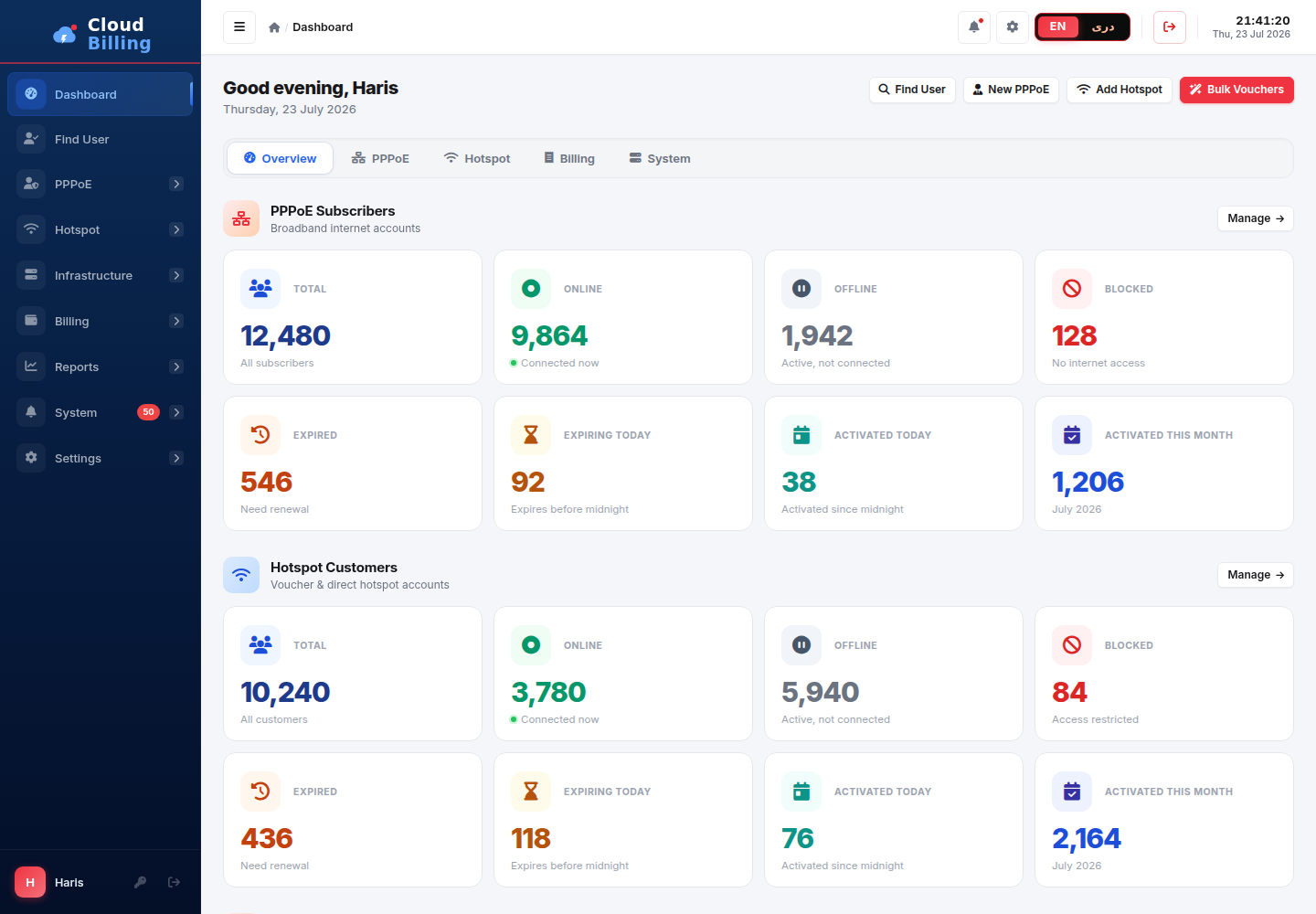
Each path explains the exact workflow, shows the product and leads to the relevant setup guidance.
Profiles, speeds, renewal, expiry, payments, sessions and branch revenue.
Explore PPPoE workflow →Packages, bulk vouchers, QR printing, first login, MAC binding and quotas.
Explore Hotspot workflow →NAS registration, RADIUS configuration, RouterOS provisioning and validation.
Explore provisioning →PON inventory, optical power, ONU context, downtime and controlled actions.
Explore OLT monitoring →See how PPPoE, Hotspot, NAS, billing, permissions and NMS work together.
Explore the platform →Plan subscriber import, pilot validation, staged cutover and rollback.
Review free migration →You do not need to change a production MikroTik to understand AliRadius. Explore the demo, review the setup guide, and use a controlled migration plan when ready.
Explore the platform yourself or ask an expert to map AliRadius to your existing MikroTik environment.