Select the NAS
Generate configuration using the intended company, branch and MikroTik record.
Prepare NAS-specific RADIUS instructions for PPPoE and Hotspot, review the commands, apply them deliberately and validate authentication before production depends on them.
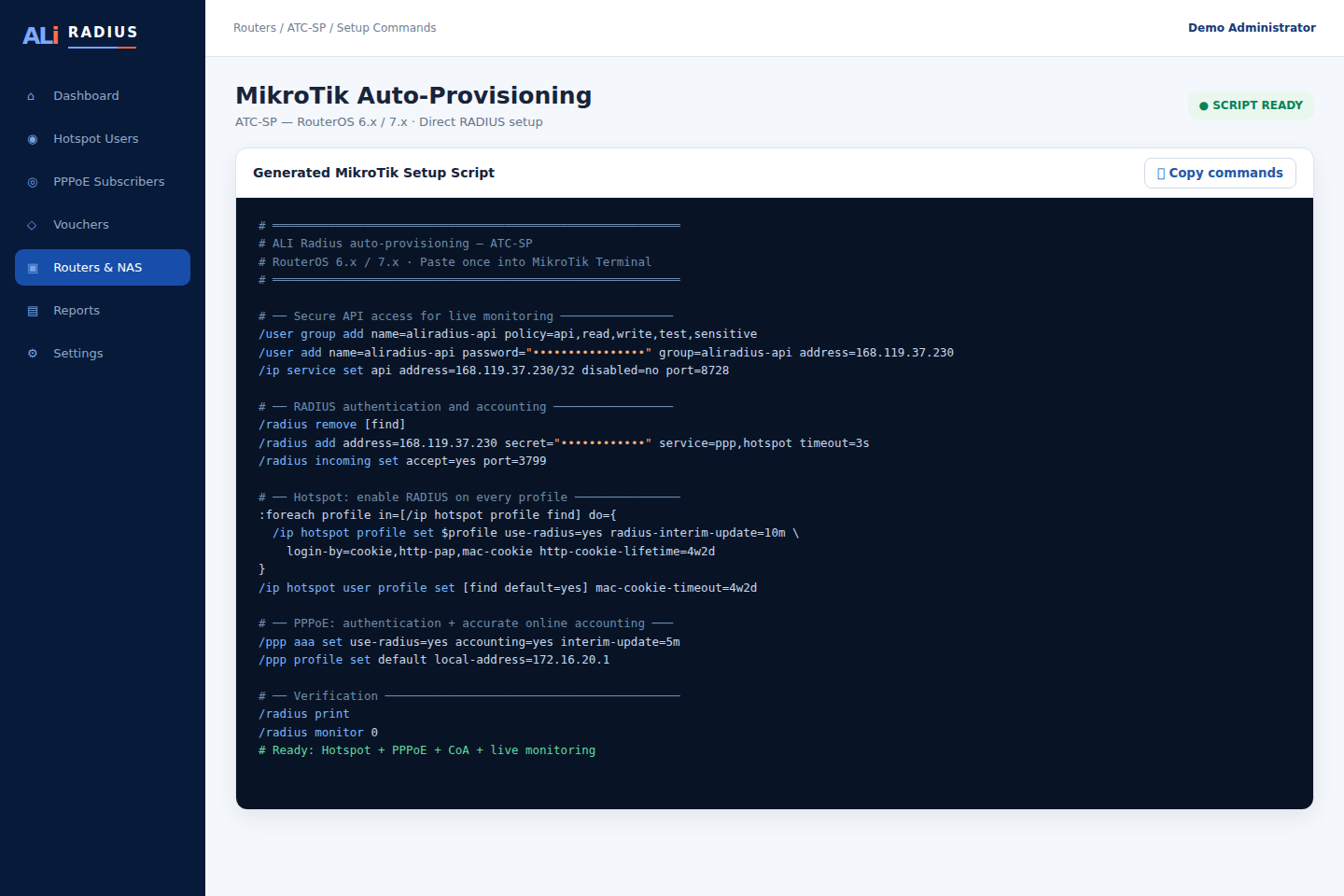
Generate configuration using the intended company, branch and MikroTik record.
See the service, server address and RADIUS behavior before anything is applied.
Use the generated RouterOS commands during a controlled change window.
Confirm authentication, returned speed policy and accounting updates.
Check online status, NAS identity, usage and disconnect behavior.
Keep the previous working configuration available until validation is complete.
Manage NAS configuration, subscribers and sessions in the same tenant-aware platform.